
How To Fix The Apple CarPlay Not Working Issue

How to resolve the issue of Apple CarPlay not working?
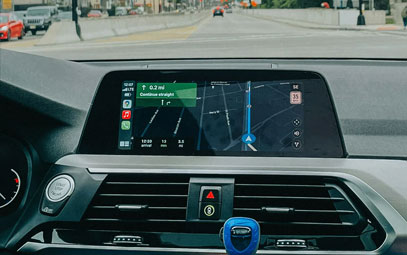
When CarPlay does not work properly, first check whether the Bluetooth interface of the mobile phone can search for the Bluetooth of CarPlay
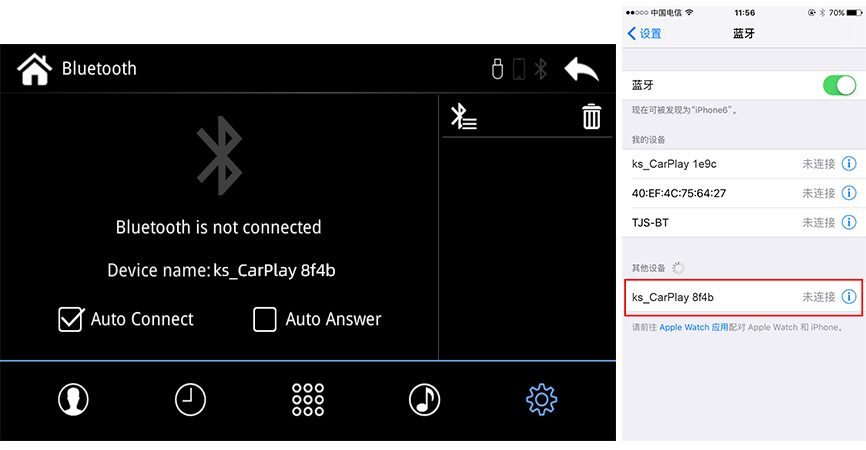
And check if your phone is properly connected to CarPlay Bluetooth.
If CarPlay Bluetooth does not appear, or even the CarPlay system interface cannot be opened, you need to check whether the module wiring harness is connected correctly
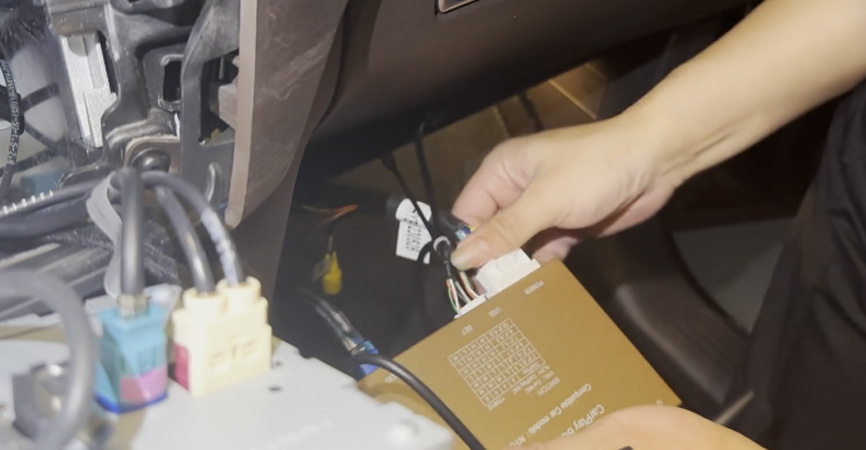
Also check whether the DIP is adjusted to the correct DIP
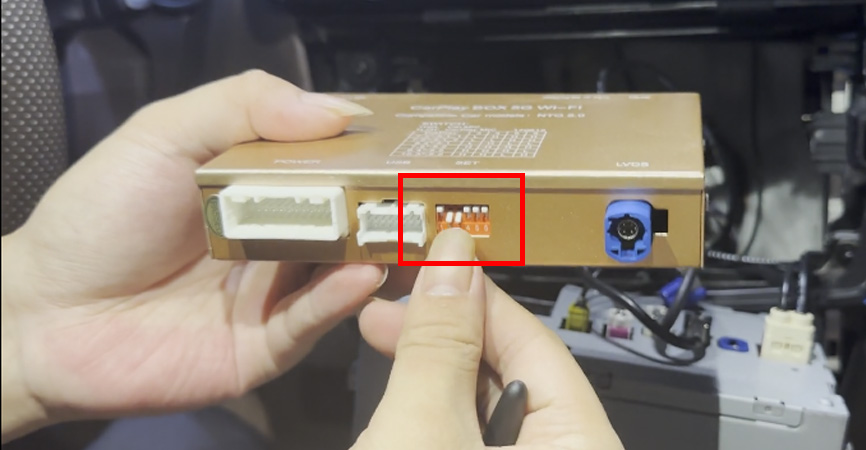
If you still can't solve the problem that CarPlay is not working, you can leave your contact information and questions in the comments, and we will try our best to answer for you
TAGS:
July 2,2025
|
BY ADMINISTRATOR
Share this entry
You might also like


- None
- CONTACT INFO
-
Address:B920 Yousong Tech Building, Donghuan 1st Road, Longhua District, Shenzhen China 518131
Email:sales@kremersino.com
Skype:2418489304@qq.com
Telegram:@MichaelKremersino
WhatsApp:+86 18565773365
- ABOUT US
- Company Profile FAQ Video Technology
