
iOS 26.4 CarPlay Update: Ambient Music & AI Voice Assistants Arrive
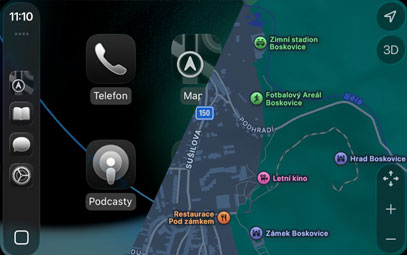
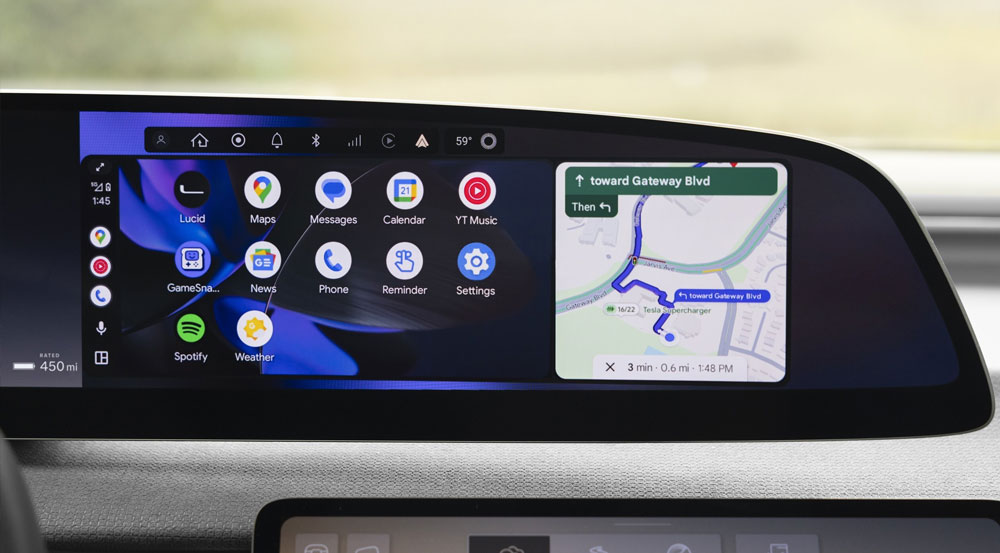
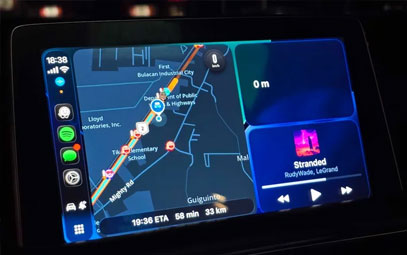
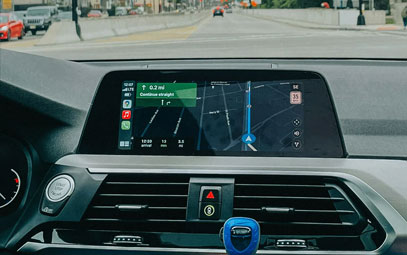
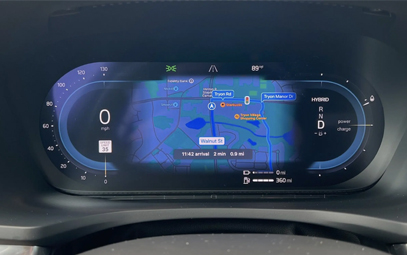
Apple has released iOS 26.4, bringing two practical new features to CarPlay — Ambient Music widget and voice chat app support. No major interface overhaul needed, just a better everyday in-car experience.
How to Update: Upgrade your iPhone to iOS 26.4 (compatible with iPhone 11 and later). Once connected to your vehicle, the new CarPlay features are automatically available — no additional setup required on the car side.
Ambient Music Widget: One-Tap Playback
While CarPlay gained widget support in iOS 26, Ambient Music is the new addition in iOS 26.4. This feature isn't entirely new — Apple first introduced it in iOS 18.4 — offering mood-based playlists (such as relaxation, focus, or quiet evening listening). Instead of searching for specific albums or artists, simply tap to start a curated music stream that plays in the background.
Key Highlight: No Apple Music subscription required — works even on iPhones without an active subscription.
How to Use: The widget appears on the CarPlay dashboard screen (swipe right on the main interface to access). If it doesn't show up automatically, add it via CarPlay settings on your iPhone by selecting your vehicle and editing the widget stack.
Getting in the car and not sure what to play? One tap and the music starts — no more browsing through your entire music library while driving.
Voice Chat App Support: AI Assistants Onboard
According to Apple's updated developer documentation, chat applications can now offer a voice-only interface within CarPlay, allowing users to interact with AI services directly from their vehicle.
Supported Apps: ChatGPT, Google Gemini, Anthropic Claude, and others — once developers implement this option in their iPhone apps.
Safety First: Interaction is purely voice-based, keeping drivers' eyes on the road — a natural complement to the existing Siri integration already available in CarPlay.
Looking Ahead: Reports suggest Apple is developing a new version of Siri for iOS 27 with modern chatbot features, including conversation history. If these plans materialize, a similar Siri upgrade may eventually come to CarPlay.
You might also like



- None
- CONTACT INFO
-
Address:B920 Yousong Tech Building, Donghuan 1st Road, Longhua District, Shenzhen China 518131
Email:sales@kremersino.com
Skype:2418489304@qq.com
Telegram:@MichaelKremersino
WhatsApp:+86 18565773365
- ABOUT US
- Company Profile FAQ Video Technology
