
iOS 26.2 Lets You Disable Pinned Messages in CarPlay – Here's How

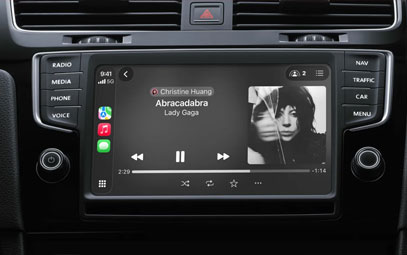
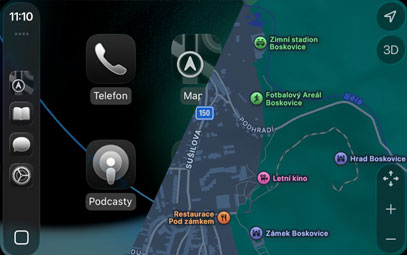
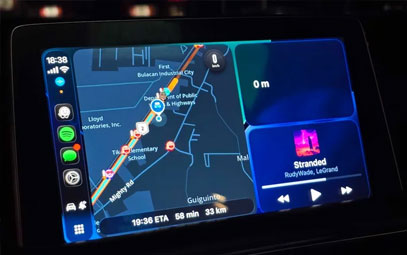
With the release of iOS 26, CarPlay received significant updates including the new Liquid Glass UI design, home screen widgets, Live Activities, and more. The Messages app also gained new features like Tapbacks and pinned conversations.
Now, in the latest iOS 26.2 update, Apple has introduced a new toggle that allows users to simplify the Messages interface in CarPlay.
The Problem with Pinned Messages in CarPlay
In iOS 26 and 26.1, users had no way to customize how pinned conversations appeared in CarPlay. The system simply mirrored iPhone settings—if a conversation was pinned on the iPhone, it would automatically show as pinned in CarPlay as well.
While this ensured consistency, it didn't account for differences in use cases between a phone and a car interface. Many users reported that group chats or work-related conversations pinned on their iPhone weren't necessarily relevant while driving.

The Fix: New Toggle in iOS 26.2
iOS 26.2 adds a new "Pinned Conversations" toggle in the CarPlay Settings app, giving users full control over whether pinned messages are displayed. Here's how to use it:
Open the Settings app in CarPlay
Scroll down to the Messages settings
Toggle off "Pinned Conversations"
Once disabled, the CarPlay Messages app will revert to a clean, chronological list of conversations without any pinned threads.
Room for Further Improvement
While this new toggle provides basic control, many users hope Apple will introduce more granular customization options in future updates, such as:
Setting different pinned conversations for CarPlay and iPhone
Keeping essential contacts (like family members) always pinned in CarPlay
Hiding group chats or non-urgent conversations while driving
The Bottom Line
The new option in iOS 26.2 reflects Apple's continued focus on refining the CarPlay experience. By allowing users to disable pinned conversations, the system reduces potential distractions and contributes to safer driving.
You might also like


- None
- CONTACT INFO
-
Address:B920 Yousong Tech Building, Donghuan 1st Road, Longhua District, Shenzhen China 518131
Email:sales@kremersino.com
Skype:2418489304@qq.com
Telegram:@MichaelKremersino
WhatsApp:+86 18565773365
- ABOUT US
- Company Profile FAQ Video Technology
