
How to Enable Karaoke-Style Lyrics Display via Apple CarPlay in iOS 26: A Complete Guide
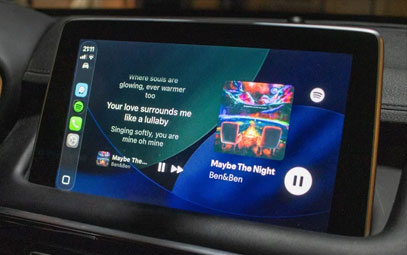
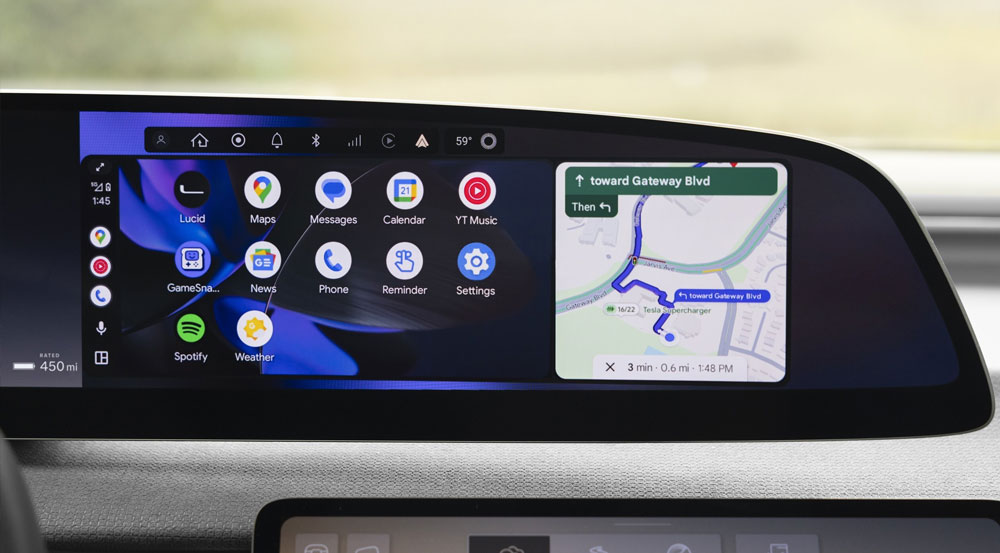
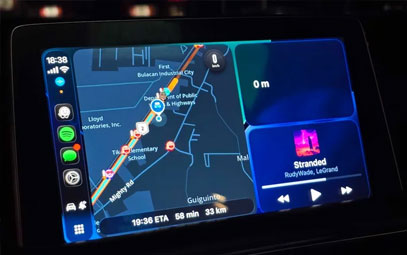
Apple added new features to CarPlay in iOS 26, with widgets being one of the biggest highlights. One app with a unique CarPlay widget is Dynamic Lyrics, which displays lyrics in real time on your lock screen, on the Dynamic Island, or as a widget on your iPhone. With iOS 26, it also displays them on your car's infotainment system via Apple CarPlay.
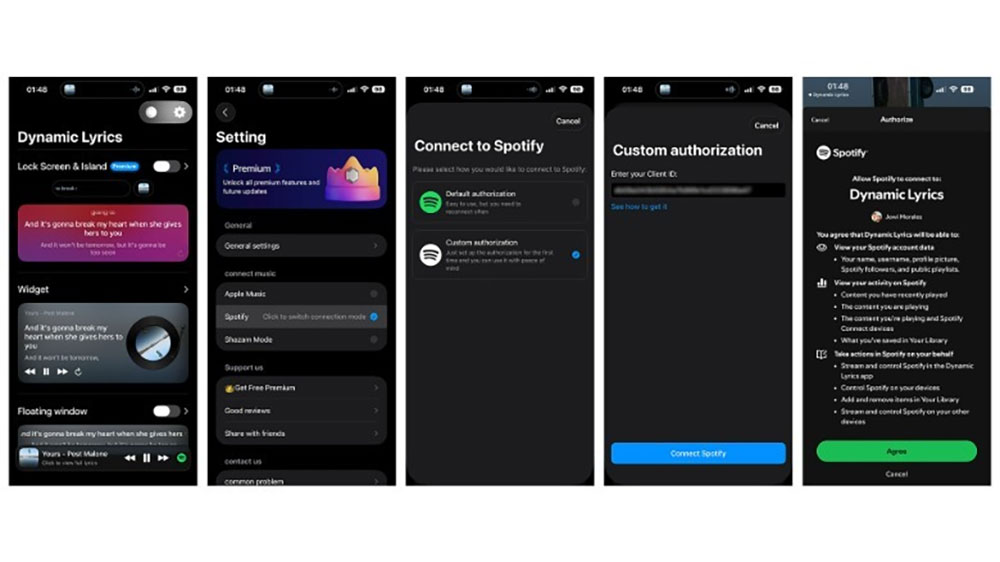
You just need to download and install the app on your phone and connect your Apple Music or Spotify account so that it will display the lyrics of the current track. If you're a Spotify user, there are two ways to authorize the app: Default and Custom. The former is much easier, just tap on it and you're good to go. However, you'll have to authorize it frequently, meaning it can get inconvenient. On the other hand, you can choose Custom authorization. Although this requires that you get a Client ID from Spotify (which takes about two minutes, with detailed instructions right on the app), you only have to do it once.
You might also like


- None
- CONTACT INFO
-
Address:B920 Yousong Tech Building, Donghuan 1st Road, Longhua District, Shenzhen China 518131
Email:sales@kremersino.com
Skype:2418489304@qq.com
Telegram:@MichaelKremersino
WhatsApp:+86 18565773365
- ABOUT US
- Company Profile FAQ Video Technology
