
CarPlay Is Getting One of Apple’s Best iPhone Features: Live Activities Are Coming in iOS 26

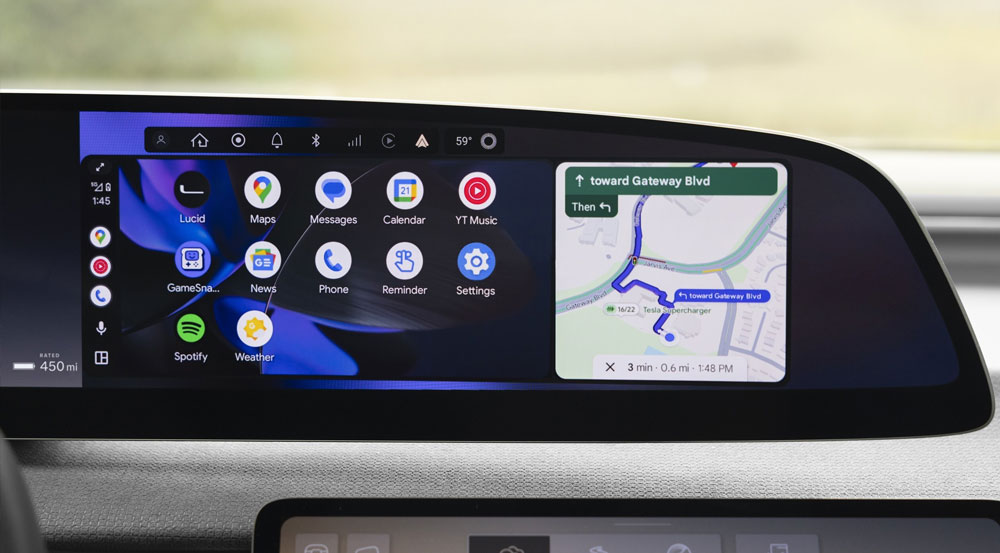
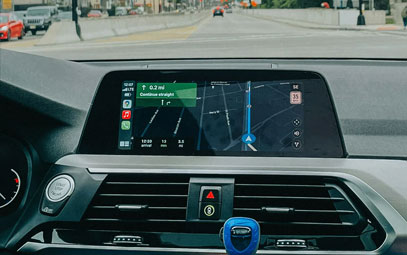
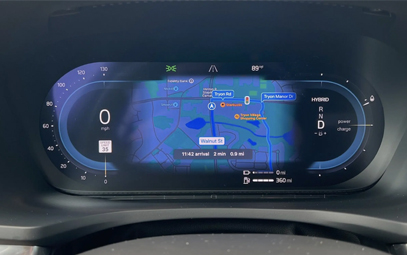
Apple’s upcoming iOS 26 update includes a major upgrade for CarPlay—one of the most useful features introduced in recent years: Live Activities are coming to your car’s dashboard.
Live Activities Expand to CarPlay with iOS 26
Live Activities first launched on the iPhone three years ago alongside the introduction of the Dynamic Island on the iPhone 14 Pro. Since then, Apple has continued to refine the feature, expanding its availability to more apps, system functions, and devices.
Last year, watchOS 11 brought Live Activities to the Apple Watch. Soon, both macOS Tahoe and iPadOS 26 will extend Live Activities to Mac and iPad users. Now, CarPlay is the latest platform to join the list.
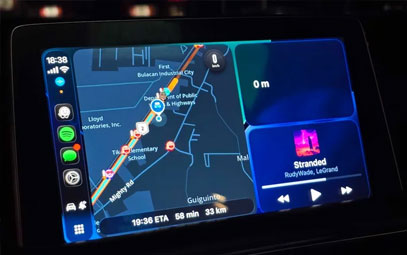
With iOS 26, any Live Activity running on your iPhone will automatically appear on your CarPlay display.
What Do Live Activities on CarPlay Look Like?
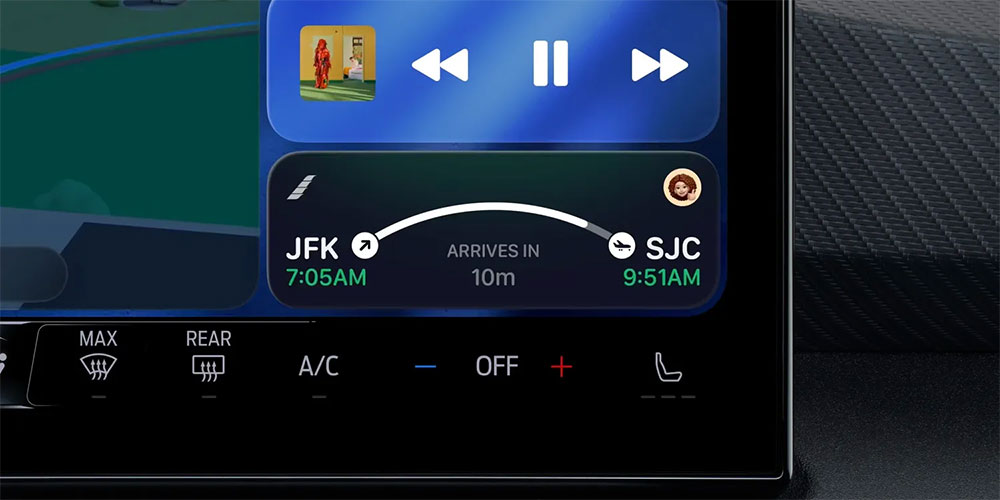
Live Activities are a natural fit for in-car use. The example below illustrates how helpful this can be:
If you’re picking someone up from the airport, a flight Live Activity can show real-time updates right on your CarPlay screen—making it easier to track arrivals, delays, or gate changes. This feature integrates seamlessly with Apple Wallet’s sharable boarding passes, creating a smooth travel experience.
Other practical uses of Live Activities in CarPlay include:
Tracking food delivery orders on your drive home
Following live sports scores via the Apple Sports app
Monitoring weather alerts when rain or storms are approaching
Checking electric vehicle (EV) charging status
Can You Disable Live Activities in CarPlay?
Yes. iOS 26 includes a toggle that lets you disable Live Activities in CarPlay if you prefer a simpler interface. However, for most users, having glanceable, real-time information available while driving will be a valuable upgrade.
Are you excited about Live Activities coming to CarPlay? Let us know in the comments below!
You might also like


- None
- CONTACT INFO
-
Address:B920 Yousong Tech Building, Donghuan 1st Road, Longhua District, Shenzhen China 518131
Email:sales@kremersino.com
Skype:2418489304@qq.com
Telegram:@MichaelKremersino
WhatsApp:+86 18565773365
- ABOUT US
- Company Profile FAQ Video Technology
