
Can You Use Apple CarPlay Without Cellular Service? A Complete Guide

Yes, Apple CarPlay can work without cellular service, but its functionality becomes limited. Since CarPlay mirrors your iPhone's interface to your car's display, its capabilities depend largely on your phone's offline readiness and the apps you've prepared in advance.
How CarPlay Works Offline
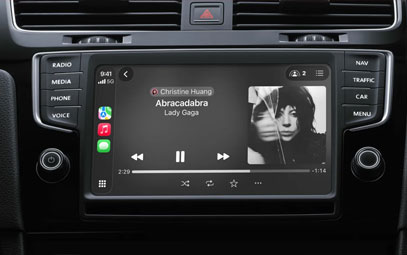
CarPlay connects to your car via Bluetooth or USB and projects a simplified iOS interface to your infotainment screen. It will launch whenever your iPhone is connected – regardless of whether cellular data is available. However, most CarPlay‑enabled apps require an internet connection for full functionality.

Apps That Work Offline in CarPlay
Music & Podcasts: Yes – if content is pre‑downloaded in apps like Apple Music, Spotify, or Podcasts
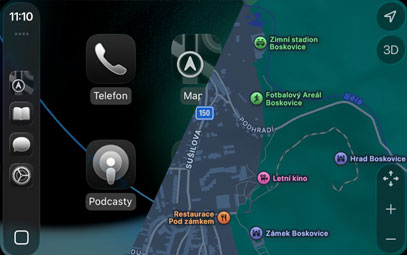
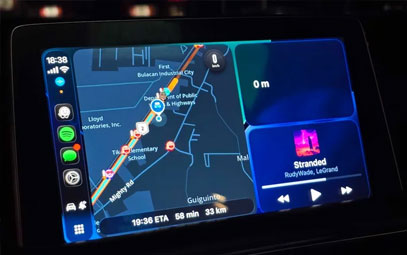
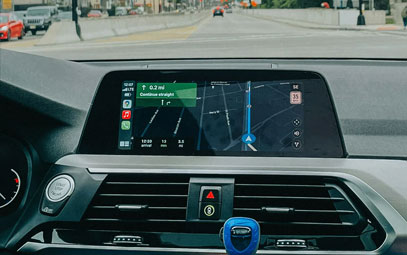
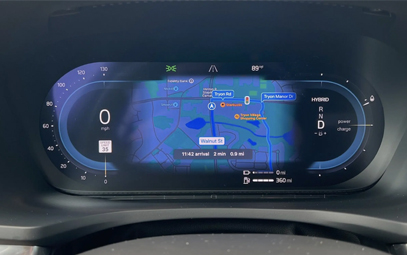
Navigation: Yes – if offline maps are downloaded in Apple Maps, Google Maps, or Waze
Voice Assistant: Limited – Siri can perform basic device commands, but not online requests
Calls & Messages: No – requires active cellular connection
Streaming Media:No – unless content is saved for offline playback
How to Prepare CarPlay for Offline Use
Before traveling to areas with poor or no signal:
1. Download Maps for Offline Navigation
Apple Maps: Go to Settings > Maps > Download Maps, select the region.
Google Maps: Tap your profile → Offline Maps → Select area.
Waze: Offline mode is limited; pre‑load your route while online.
2. Save Music & Podcasts Locally
In Apple Music, Spotify, or your preferred app, download playlists, albums, or episodes.
Ensure downloads are complete and accessible in “Library” or “Downloads” sections.
3. Understand Siri’s Limits
Siri can still play local media, launch offline navigation, or read recent messages already on your device.
It cannot send messages, fetch real‑time info, or stream content without data.
What Won’t Work Without Cellular
Real‑time navigation updates (traffic, rerouting)
Streaming music/video (unless pre‑downloaded)
Live communication (calls, new messages)
Online search & assistant queries
App updates or new content loading
Pro Tips for Offline CarPlay Use
Test before you travel: Ensure offline maps and media are accessible within CarPlay while still in a connected area.
Use USB for power: Running navigation and media playback can drain your iPhone battery quickly.
Keep cellular ON if possible: Even weak signals may allow emergency calls and basic data transmission.
The Bottom Line
CarPlay is fully usable offline if you prepare in advance. By downloading maps and media, you can maintain navigation and entertainment without cellular service. However, communication apps and real‑time features will remain unavailable until you regain a data connection.
You might also like



- None
- CONTACT INFO
-
Address:B920 Yousong Tech Building, Donghuan 1st Road, Longhua District, Shenzhen China 518131
Email:sales@kremersino.com
Skype:2418489304@qq.com
Telegram:@MichaelKremersino
WhatsApp:+86 18565773365
- ABOUT US
- Company Profile FAQ Video Technology
