
CarPlay Gets a Major Upgrade: New Apps with Widget Support Now Available

The release of iOS 26 has brought revolutionary changes to CarPlay, introducing not only a fresh visual design but also first-time support for Widgets. As developers gradually update their apps to adapt to the new features, leading smart lock brand Nuki has become the latest prominent company to join the CarPlay Widget ecosystem.
CarPlay Widget Feature Breakdown
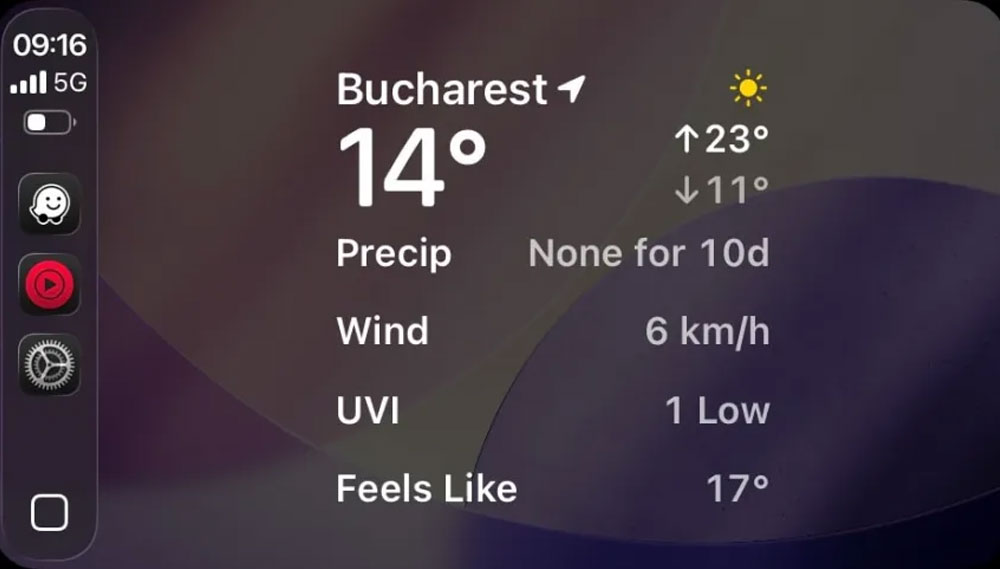
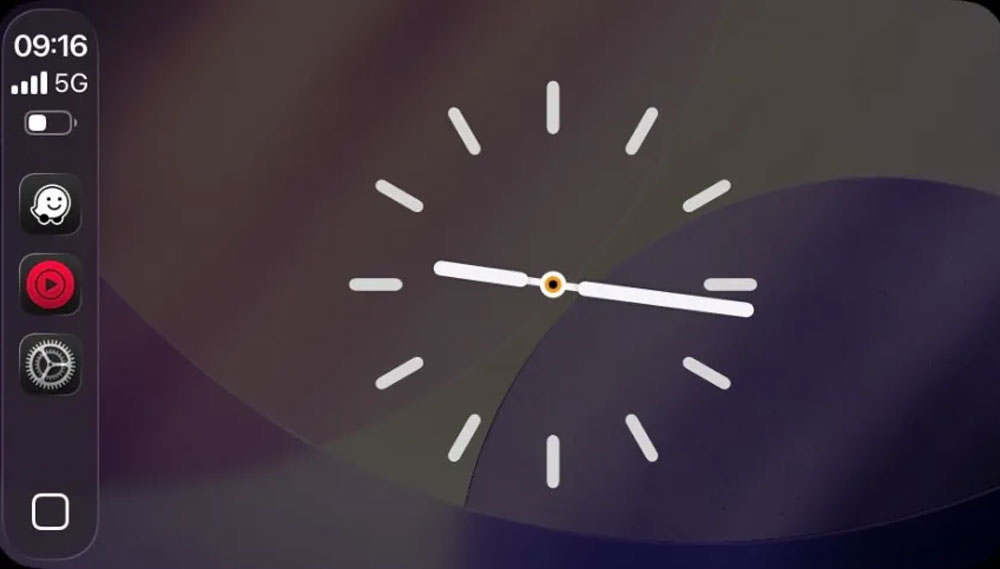
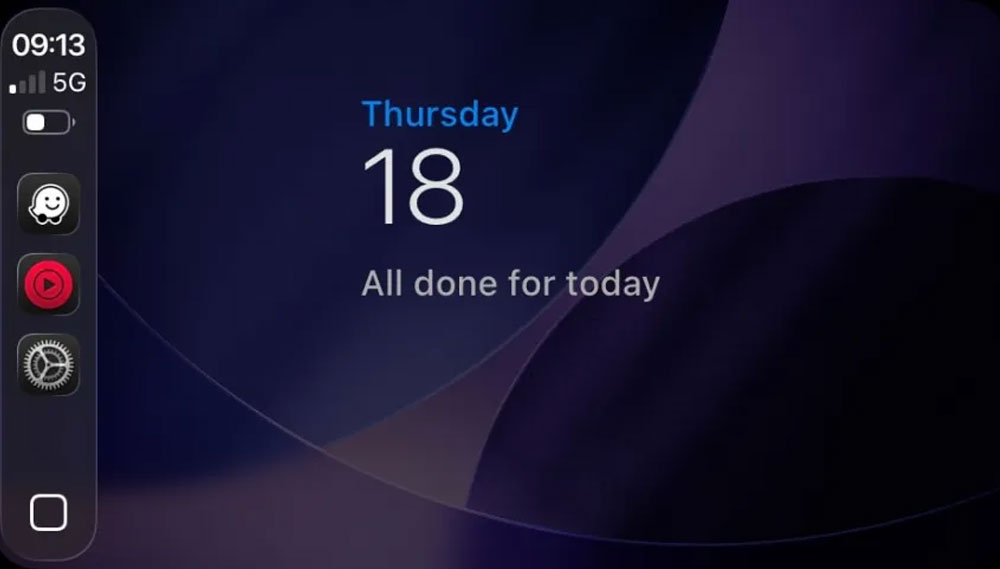
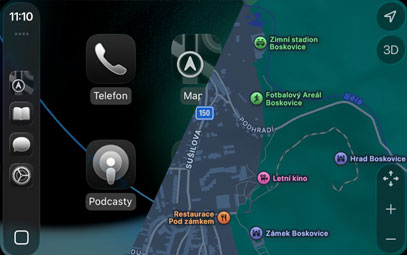
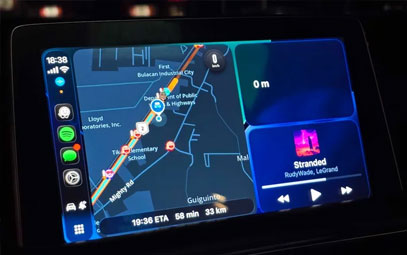
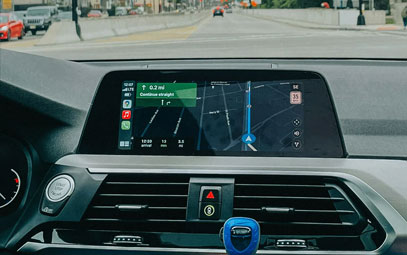
Widgets elevate the CarPlay experience to new heights. Similar to the iPhone, CarPlay Widgets allow users to view key information and perform basic operations directly on the car's display. However, the current Widget functionality still has certain limitations:
Limited Interactivity: Primarily designed for information display; complex operations still require opening the full app
Screen Quantity Restrictions: Screens 9 inches and below support only a single Widget
Layout Optimization Potential: Wide-screen models can display multiple Widgets side by side, but standard screen utilization needs improvement
Nuki Smart Lock’s Widget Innovation
As a standout in the smart home sector, Nuki has achieved a breakthrough in CarPlay Widget functionality through its latest app update (v2025.10.1):
Key Features:
Real-time door lock status monitoring (open/close status, battery level)
One-touch lock control (main entrance/garage door)
Fully operable without a smartphone
Technical Requirements:
iOS 26 or later
Nuki Smart Lock or Nuki Opener hardware device
Nuki app version 2025.10.1 or newer
Industry Impact and Future Prospects
Apple is strongly promoting the Widget ecosystem in iOS 26, with more app adaptations expected in the coming months. Although current display restrictions affect the user experience, this emerging feature is poised to evolve in the following areas:
Integration of more smart home brands
Deeper interactivity layers
Optimized screen adaptation solutions
User Guide and Compatibility
To ensure normal use of CarPlay Widgets, users should confirm the following conditions:
Update iPhone to iOS 26
Install the latest version of the corresponding brand’s app (e.g., Nuki v2025.10.1)
Connect compatible smart devices
Enable Widget display in CarPlay settings
With the rapid development of automotive intelligent connectivity technology, CarPlay Widgets are expected to become a key entry point for in-car smart ecosystems, offering users a more convenient and safer driving experience.
You might also like


- None
- CONTACT INFO
-
Address:B920 Yousong Tech Building, Donghuan 1st Road, Longhua District, Shenzhen China 518131
Email:sales@kremersino.com
Skype:2418489304@qq.com
Telegram:@MichaelKremersino
WhatsApp:+86 18565773365
- ABOUT US
- Company Profile FAQ Video Technology
