
iOS 26 Solves Long-Standing CarPlay Annoyance: Unwanted Screenshots Finally Fixed

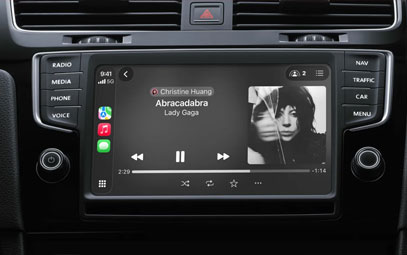
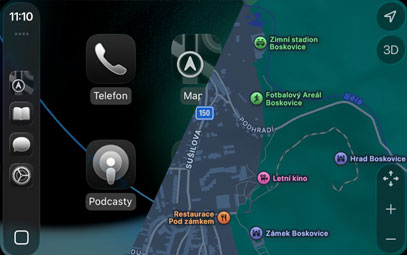
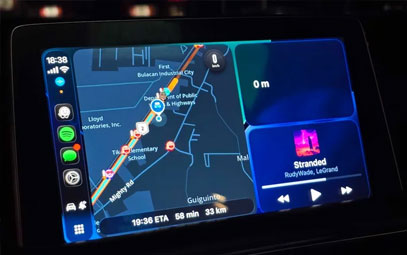
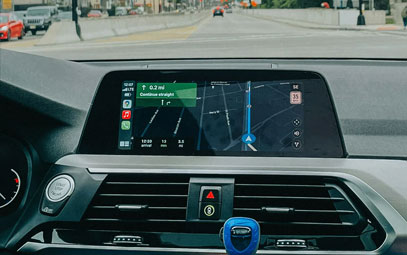
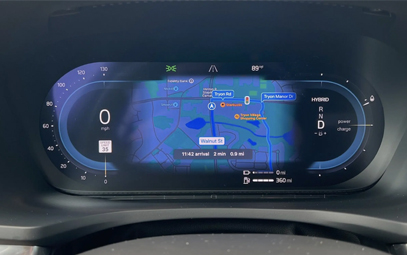
Apple's iOS 26 public beta brings exciting upgrades to CarPlay users, including the stunning Liquid Glass interface and widget support. But one under-the-radar change is addressing a years-long pain point for drivers: automatic CarPlay screenshots.
What's Changing in CarPlay with iOS 26?
✅ No More Unwanted CarPlay Screenshots
Previously, taking an iPhone screenshot would also capture your CarPlay display - cluttering your Photos with useless images. Now, iOS 26 disables this by default, giving users cleaner galleries.
✅ How It Works
When connected to CarPlay, iPhone screenshots only capture your phone screen
No more accidental CarPlay snapshots filling your camera roll
Perfect for when you need to screenshot something on your iPhone while driving
✅ Other CarPlay Improvements in iOS 26
Liquid Glass UI refresh
New widget support
Smoother performance
Why This Matters for CarPlay Users
This small but significant change shows Apple's attention to real-world CarPlay usability. By eliminating this annoyance, iOS 26 makes the in-car experience more polished and user-friendly.
#CarPlay #iOS26 #AppleCarPlay #CarTech #CarPlayUpdate
Want to try it? The iOS 26 public beta is available now for testing before its fall release.
You might also like


- None
- CONTACT INFO
-
Address:B920 Yousong Tech Building, Donghuan 1st Road, Longhua District, Shenzhen China 518131
Email:sales@kremersino.com
Skype:2418489304@qq.com
Telegram:@MichaelKremersino
WhatsApp:+86 18565773365
- ABOUT US
- Company Profile FAQ Video Technology
