
The Complete Guide to Adding CarPlay to Mercedes C200 NTG5.0

Introduction: Why Does the NTG5.0 System Need a CarPlay Upgrade?
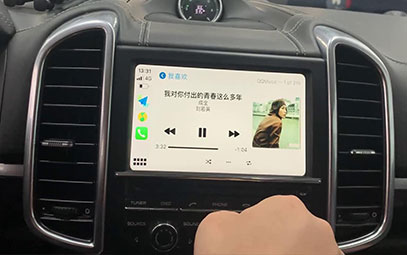
For Mercedes C200 owners equipped with the NTG5.0 head unit, the factory system's functionality has become noticeably outdated. Despite featuring a color display, the reliance on obsolete navigation data and the lack of smartphone integration have largely reduced the 7-inch screen to a mere ornament. This guide provides a complete CarPlay upgrade solution, breathing new life into 2014-2018 W205 platform C200 models.
1. Pain Point Analysis of the NTG5.0 System
Functional Limitations
COMAND system navigation updates are costly.
Only supports basic Bluetooth calling, not audio streaming.
Lacks real-time traffic information and online services.
Complex operation logic makes it difficult to use while driving.
Core Value of the CarPlay Upgrade
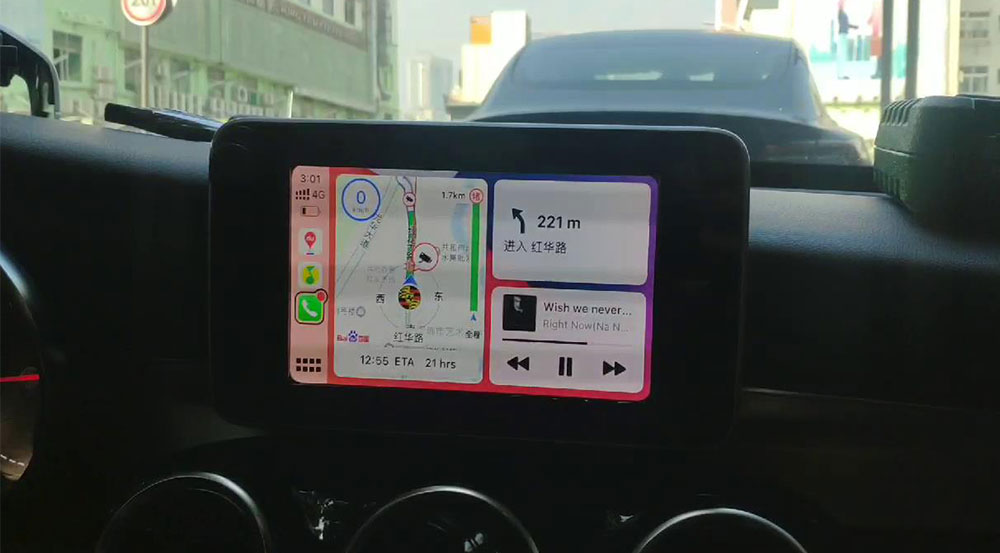
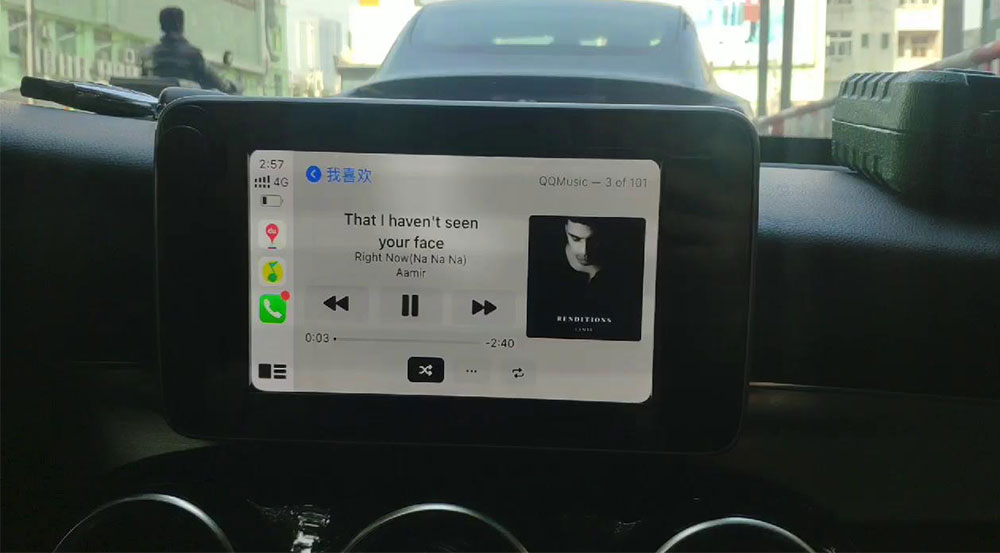
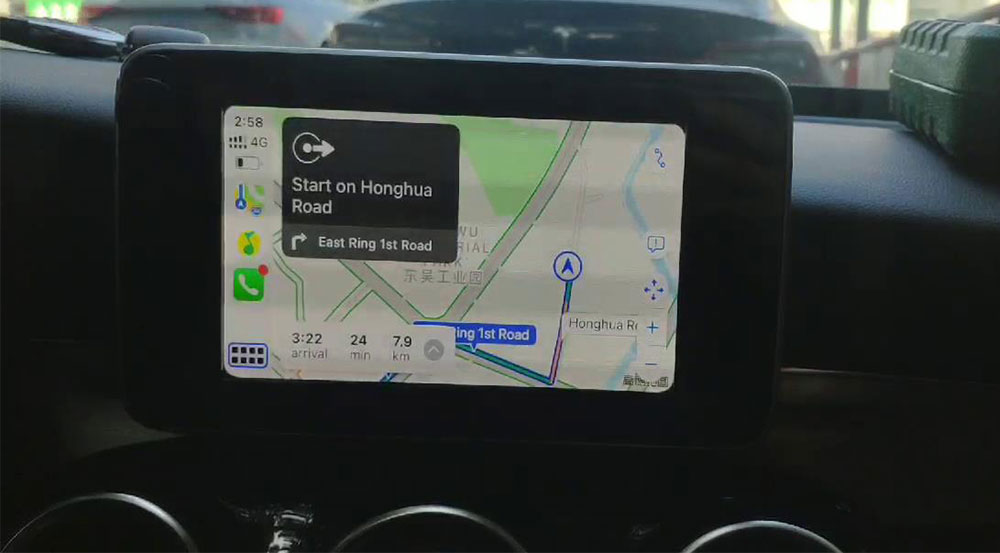
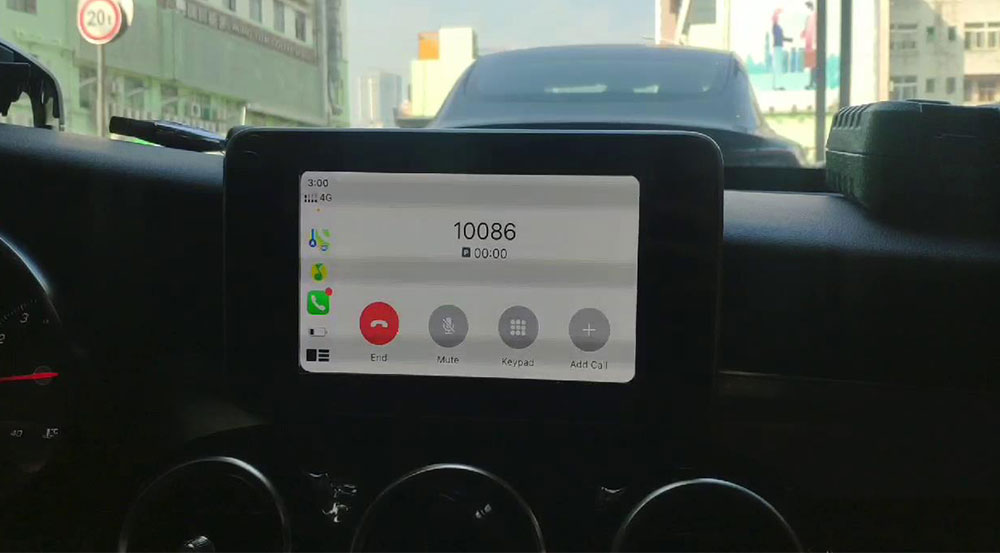
Native iOS interface with Siri Voice Control.
Real-time navigation (Apple Maps/Google Maps/Waze).
Music streaming (Apple Music/Spotify/QQ Music).
Message announcements and smart replies.
2. Detailed Technical Solutions
Compatibility Check
Applicable Models: 2014-2018 Mercedes C200 / W205.
System Requirement: NTG5.0 head unit (can be verified via engineering code ##0000).
Phone Compatibility: iOS 12 or later.
Installation Process Breakdown
Step 1: Remove the center console trim (using professional plastic pry tools).
Step 2: Connect the dedicated harness to the ports behind the head unit (plug-and-play).
Step 3: Install the hidden module (inside the glove compartment).
Step 4: System debugging and functional testing.
3. Comprehensive User Experience Upgrade
Smart Connection Experience
Auto-connects within 15 seconds of ignition.
Full compatibility with the original controller knob/touchpad.
Steering wheel buttons support music skipping/calls.
Scenario-based Application Demo
Commuting Scenario: WeChat location share → Direct navigation in CarPlay.
Business Scenario: Outlook calendar sync → Siri voice reminders.
Entertainment Scenario: Apple Music Dolby Atmos → Optimized for the factory sound system.
You might also like


- None

- CONTACT INFO
-
Address:B920 Yousong Tech Building, Donghuan 1st Road, Longhua District, Shenzhen China 518131
Email:sales@kremersino.com
Skype:2418489304@qq.com
Telegram:@MichaelKremersino
WhatsApp:+86 18565773365
- ABOUT US
- Company Profile FAQ Video Technology
